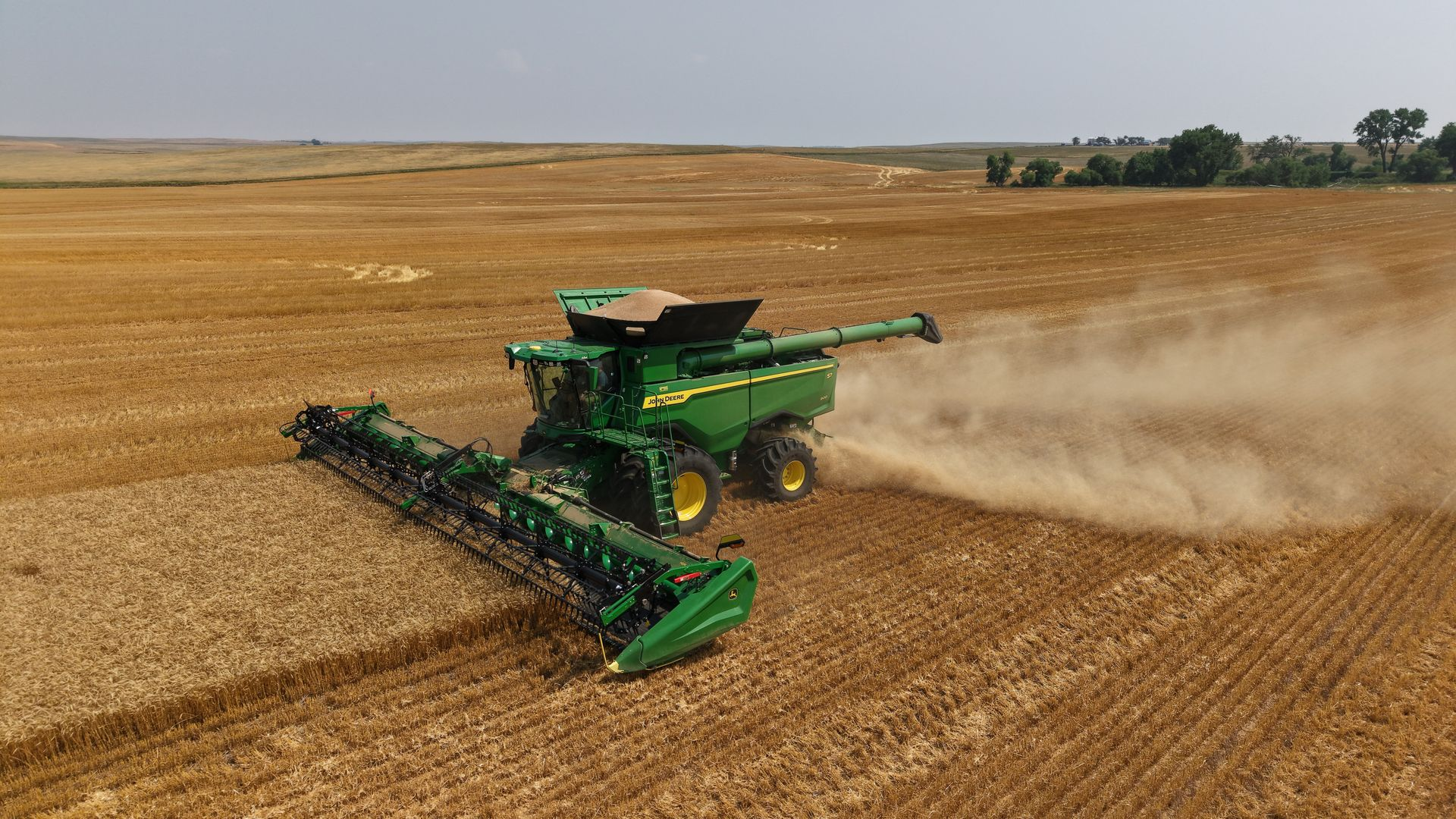
Harvest is busy enough without spending extra time creating work plans or correcting field information in the cab. That's why John Deere is introducing a new feature designed to make harvest setup easier and improve the quality of your documentation.
Beginning August 3, John Deere Operations Center will automatically create harvest work plans for compatible machines using the seeding data already stored in your organization.
How It Works
Operations Center will use your spring seeding records to automatically generate harvest work plans and send them directly to compatible machines.
If your seeding data is complete and accurate, those work plans will already include information like:
· Client
· Farm
· Field
· Crop type
· Variety
· Additional field information from your seeding records
Instead of building harvest work plans manually, your operators can get to work with fewer button pushes in the cab and spend less time managing documentation throughout the season.
Why This Matters
Accurate spring data leads to accurate harvest records. When your seeding information is clean and organized, this new feature helps ensure your harvest documentation is just as accurate.
That means:
· Less setup time before harvest
· Fewer manual entries in the cab
· More accurate harvest documentation
· Better records for reporting and future decision-making
· Potentially less office work creating harvest work plans manually
Is Your Operations Center Ready?
This new feature is especially beneficial for operations that have maintained clean seeding data throughout the spring.
If you're not completely confident in your Client, Farm, Field, varieties, or seeding records, now is a great time to get everything cleaned up before harvest begins.
Post Seeding Maintenance Package
Our Precision Ag team is offering a one-time Post Seeding Maintenance Package for $500 to help prepare your Operations Center for harvest.
The package includes:
· Operations Center Data Cleanup
· Client, Farm, and Field organization cleanup
· Review and correction of post-seeding data, including:
o Varieties
o Acres
o Task dates
o Other planting information
· Boundary Creation (Upon Request)
o Create or update field boundaries for improved documentation and mapping
· FSA & Crop Insurance Reporting Binder (Upon Request)
o Receive a complete binder containing:
- Seeding dates
- Varieties
- Acres
- Additional seeding information
- True field boundaries that remove overlap and identify prevented seeding acres
- Seeding coverage maps with field information
Whether you're preparing for harvest or organizing records for reporting, this package helps ensure your data is accurate and ready when you need it.
Want to Disable Automatic Work Plans?
Organizations will have Automatic Harvest Work Plans enabled by default.
If you prefer to continue creating harvest work plans manually, the feature can be turned off in your Organization Preferences before August 3.
While we expect most customers will benefit from having this feature enabled, it's helpful to know you have the option to manage this setting based on your operation's preferences.
Need Help?
If you'd like assistance reviewing your Operations Center data or would like to schedule a Post Seeding Maintenance appointment, contact your Gooseneck Implement Account Manager today. We'll help make sure your data is organized, accurate, and ready for harvest.