By McKensie Popinga
•
September 14, 2026
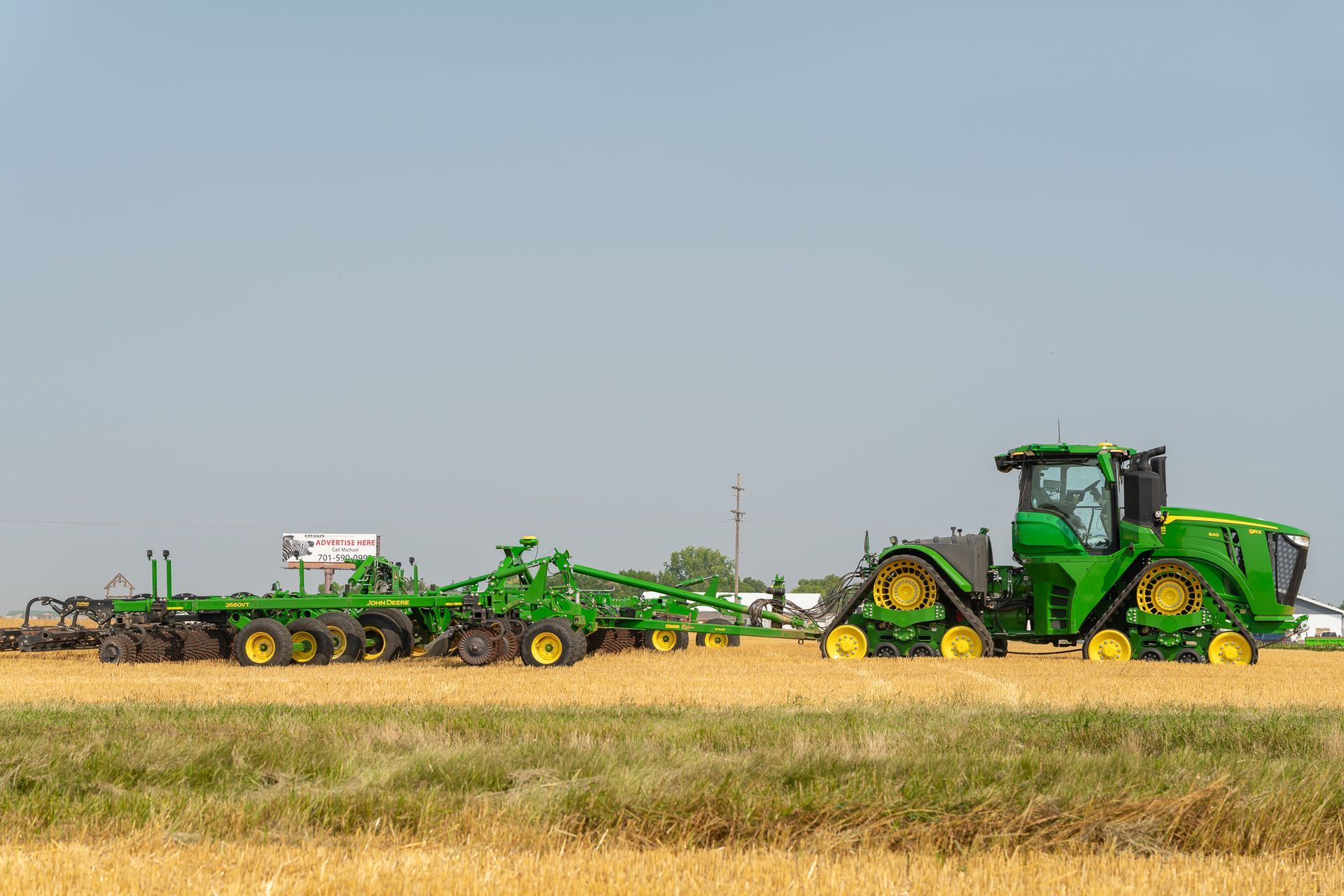
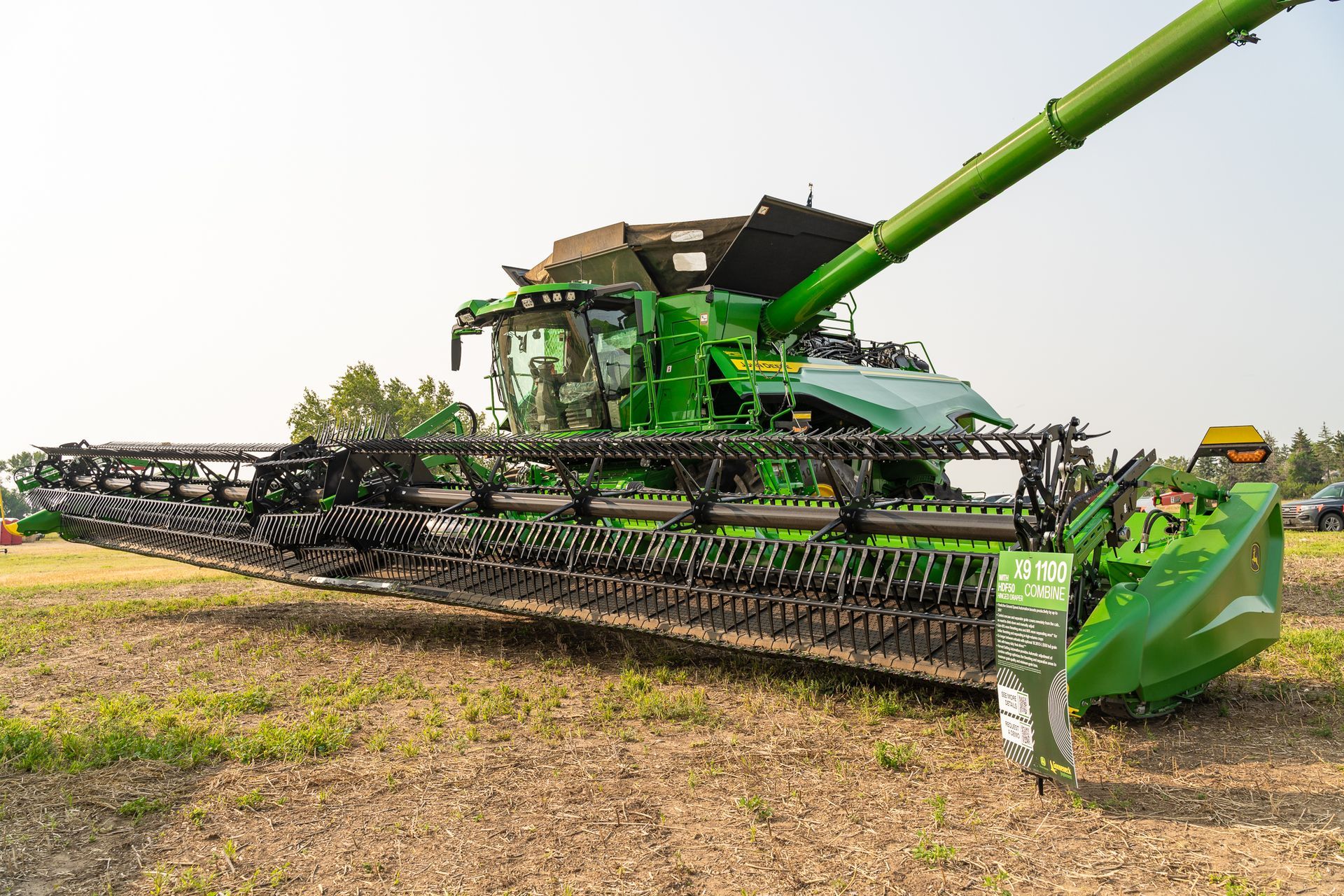
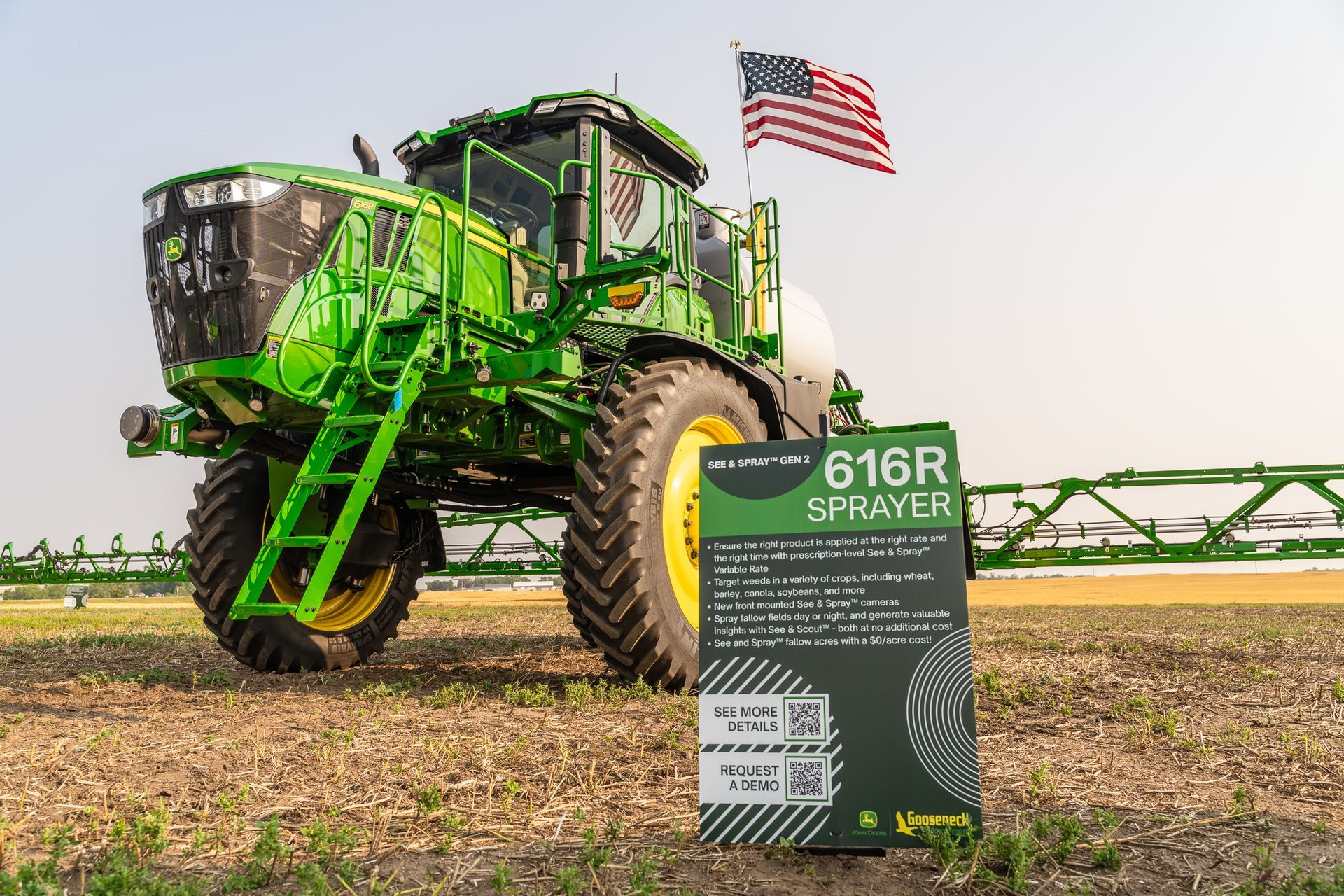
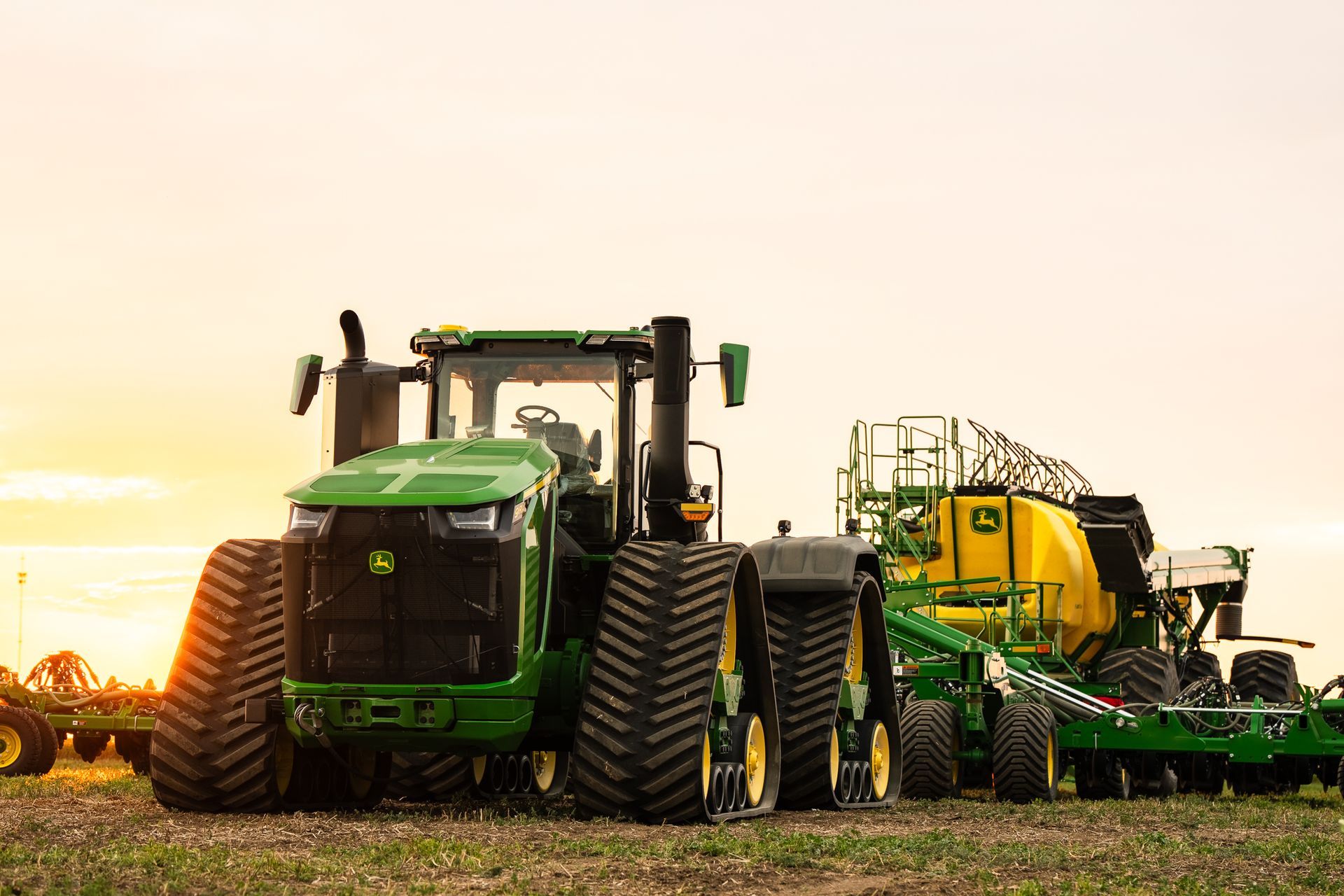
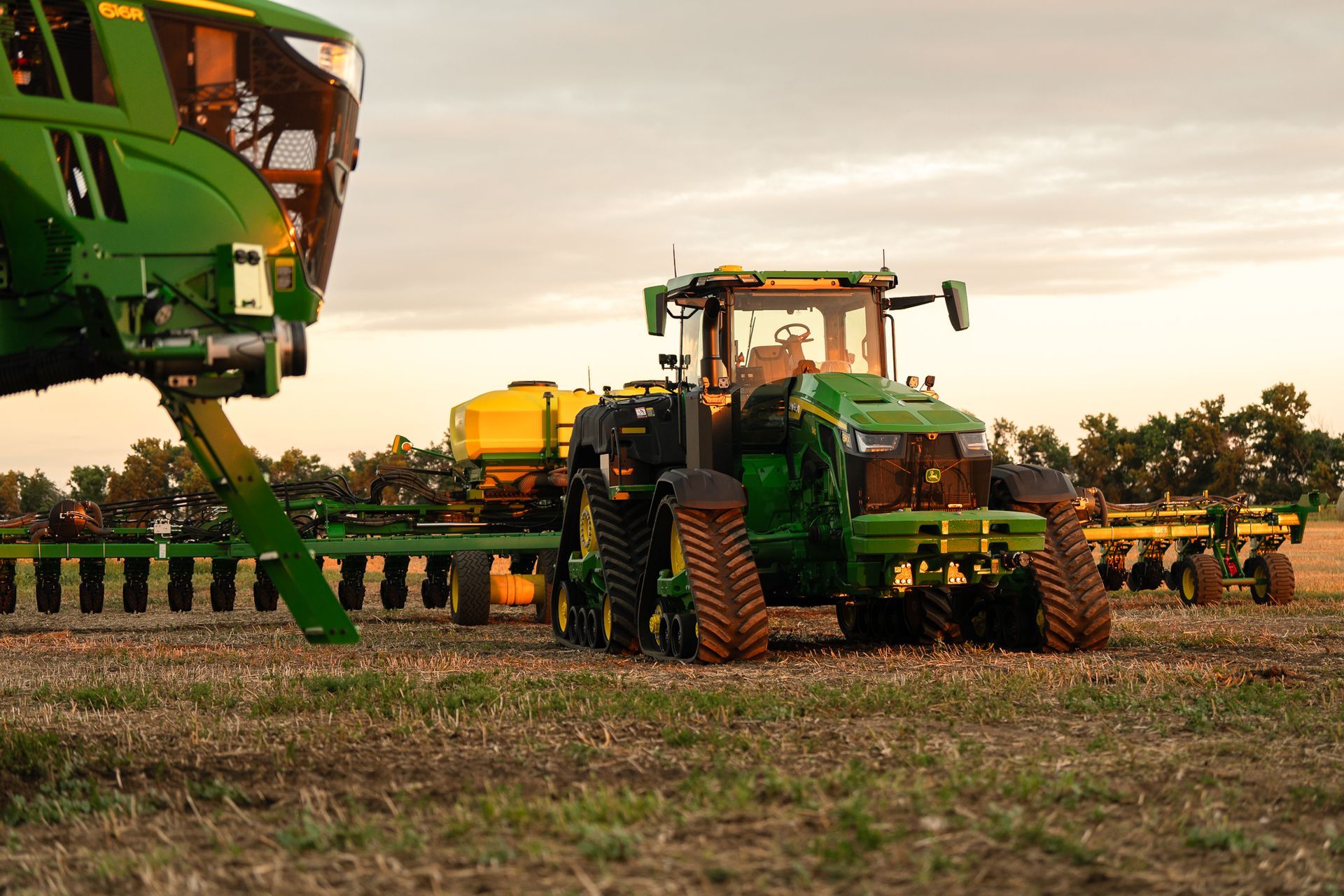
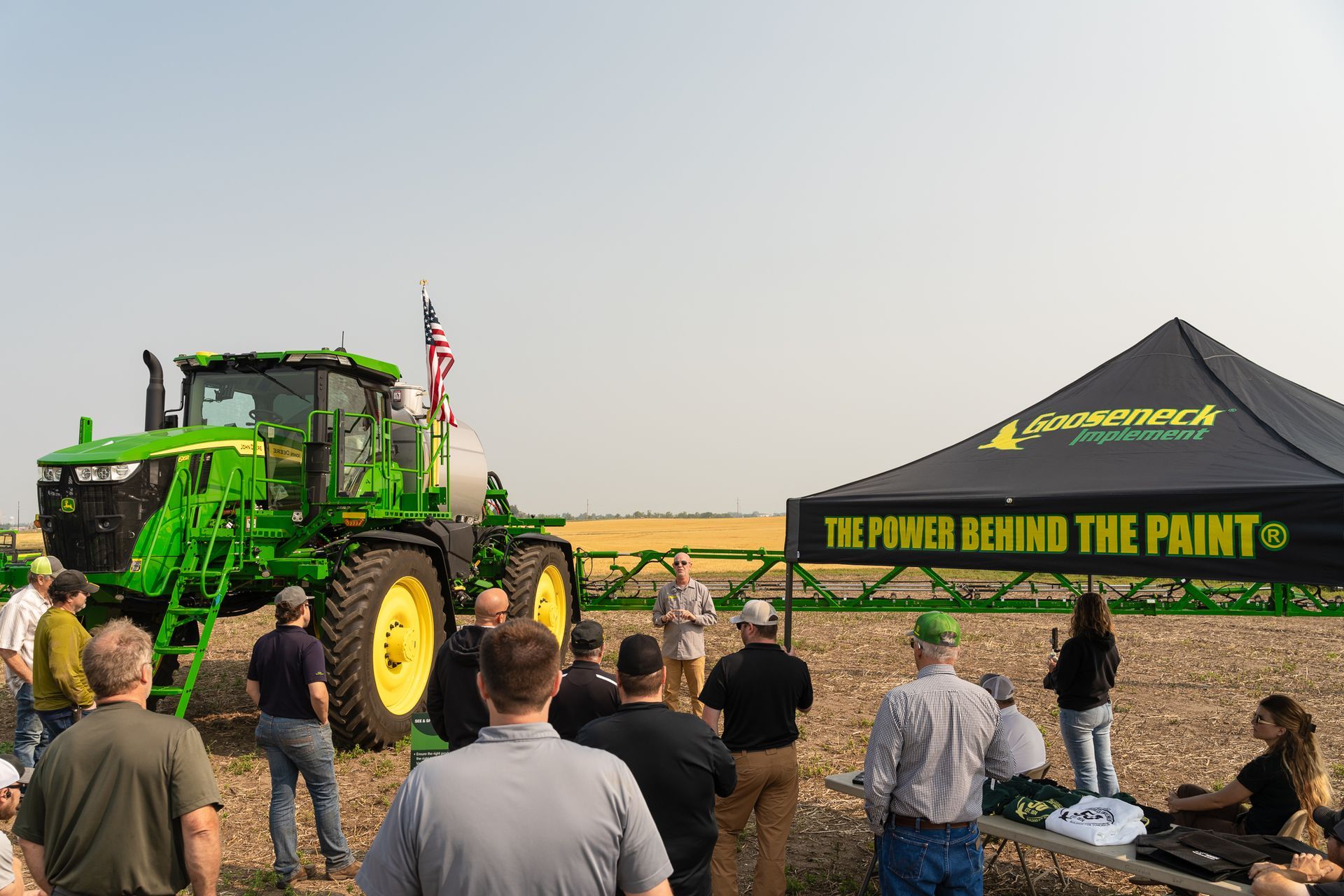
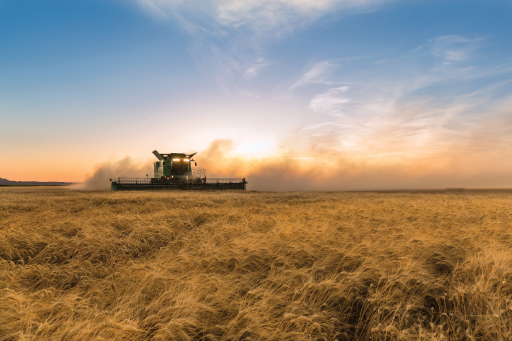
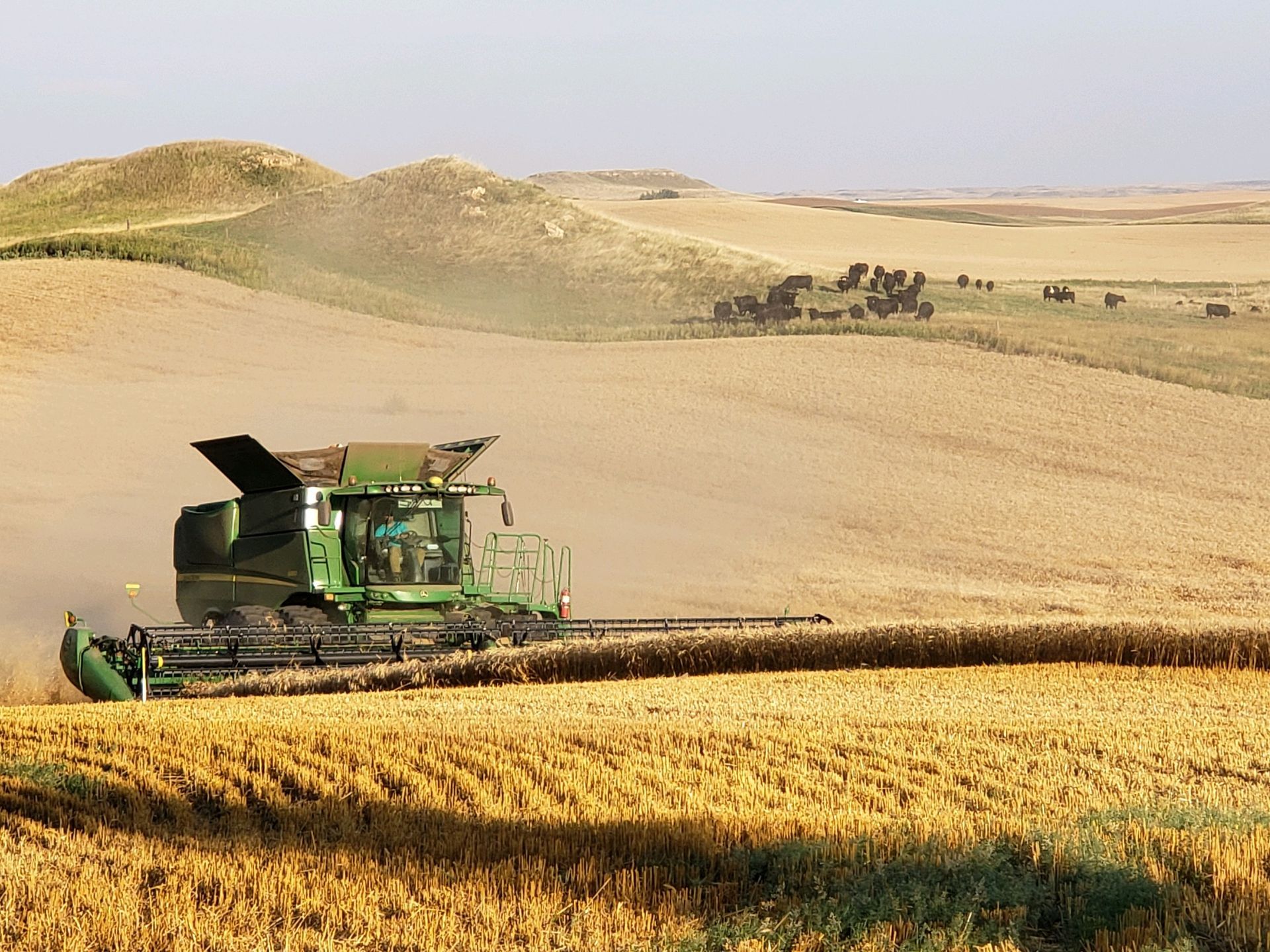
There’s nothing quite like seeing new equipment up close. On August 26 and 27, we welcomed customers to Minot for our 2027–2028 John Deere Showcase, and if you ask us, there was a lot to look at. From a combine built to keep harvest moving, to sprayer technology that can actually see what’s happening in the field, to automation designed to make baling a little easier, the showcase gave our customers a firsthand look at what’s coming next. And yes, there were some pretty impressive machines on the floor. WATCH OUR EVENT OVERVIEW VIDEO HERE Our John Deere and Gooseneck Implement product experts were there to walk through the new equipment, answer questions and talk about what these advancements could mean for the people putting them to work. Here are a few of the highlights: 2027 John Deere X9 1100 Combine The John Deere X9 1100 is built for high-capacity harvesting when conditions are demanding and there’s no time to slow down. With serious capacity, power and technology, the X9 1100 is designed to help operators keep productivity high while staying focused on grain quality, residue and overall machine performance. And seeing an X9 in person? It’s hard to miss. John Deere currently identifies the X9 1000 and X9 1100 as its Performance Group 10 and 11 combines, with 420- and 460-bushel grain tank capacities. WATCH THE X9 1100 VIDEO HERE 2028 John Deere C1450T Air Cart When you’re trying to make the most of a good seeding window, stopping to refill isn’t where you want to spend your time. With 1,460 bushels of total capacity across five tanks, the C1450T is the largest-capacity air cart in John Deere’s C-Series lineup, giving producers more product on board and more time spent covering acres. The 105-bushel front flex tank also adds flexibility, handling either seed or fertilizer. Because when the weather is right and the field is ready, more capacity means more time getting the job done. WATCH THE C1450T VIDEO HERE John Deere Autonomous 9RX 640 The John Deere Autonomous 9RX 640 gave showcase attendees a firsthand look at where fieldwork is headed. The 9RX uses cameras, artificial intelligence and machine learning to navigate the field and perform tillage work on its own. John Deere's second generation autonomous technology uses 16 cameras to provide a 360-degree view around the machine, helping it identify and respond to obstacles as it works. The goal isn't complicated: put technology to work on the jobs that need to get done, while giving operators the freedom to focus their time and attention elsewhere. And honestly, watching a 9RX 640 work the field with no one in the cab is something you have to see for your self. WATCH THE AUTONOMOUS 9RX 640 VIDEO HERE 2027 John Deere 616R Sprayer + See & Spray™ Gen 2 This might be one of the easiest technologies to see the value in, literally. The 2027 John Deere 616R equipped with See & Spray™ Gen 2 uses camera vision and machine learning to identify crops and weeds in real time, helping target applications where they’re needed. Beginning in 2027, the technology also brings expanded crop compatibility, variable-rate capabilities and See & Scout™ field insights. That means the sprayer isn’t just covering acres, it’s gathering insight along the way. WATCH THE 616R + SEE & SPRAY GEN 2 VIDEO HERE Auto Weave Baler We’re all for technology that makes the job easier. The John Deere Auto Weave Baler uses automation to adjust the baler’s path across the windrow, helping create consistent, square-shouldered bales without the operator having to constantly make those adjustments. Combined with guidance, turn, speed and gate automation, it’s designed to take some of the repetitive work out of the cab and give operators one less thing to manage. Because sometimes the best technology is the technology that lets you focus on everything else. WATCH THE AUTO WEAVE BALER VIDEO HERE So, What’s Next? If there was one takeaway from the 2027–2028 John Deere Showcase, it’s that equipment is becoming a whole lot more than just equipment. We’re seeing more capacity. More automation. More technology. More connectivity. And ultimately, more opportunities to help producers get more from the acres, hours and resources they already have. But the best part of the showcase wasn’t just the equipment. It was getting to spend time with our customers. A huge thank you to everyone who joined us in Minot. We’re grateful for the opportunity to answer your questions, talk through what’s new and, of course, talk a little equipment. Couldn’t make it? No worries! We’ve got you covered. Check out the videos above for a closer look at the equipment featured at the showcase, and connect with your Gooseneck Implement team if you want to dig a little deeper. There’s a lot ahead, and we’re excited to see what’s next with you.